AI Photo Enhance
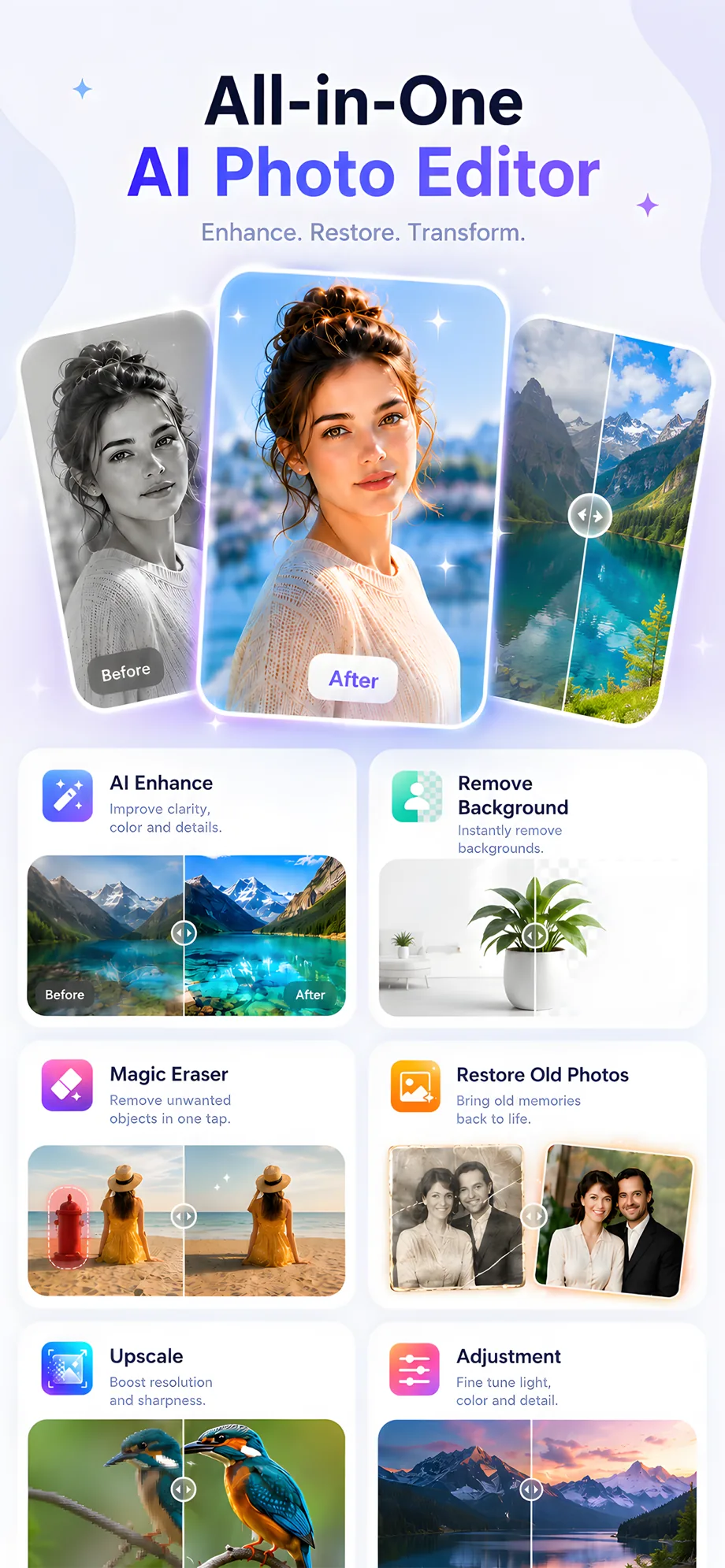
Improve clarity, color, sharpness, and detail with one tap. Photos look vivid and polished instantly.
✦ AI-Powered Photo Editor
PixBoost turns ordinary shots into stunning images — enhance quality, restore old memories, remove backgrounds, erase distractions, and explore creative AI styles. All in one beautifully simple app.
Free to try · 3-day free trial · Cancel anytime
✦ See It In Action
Real footage from the app — every result takes just one tap.
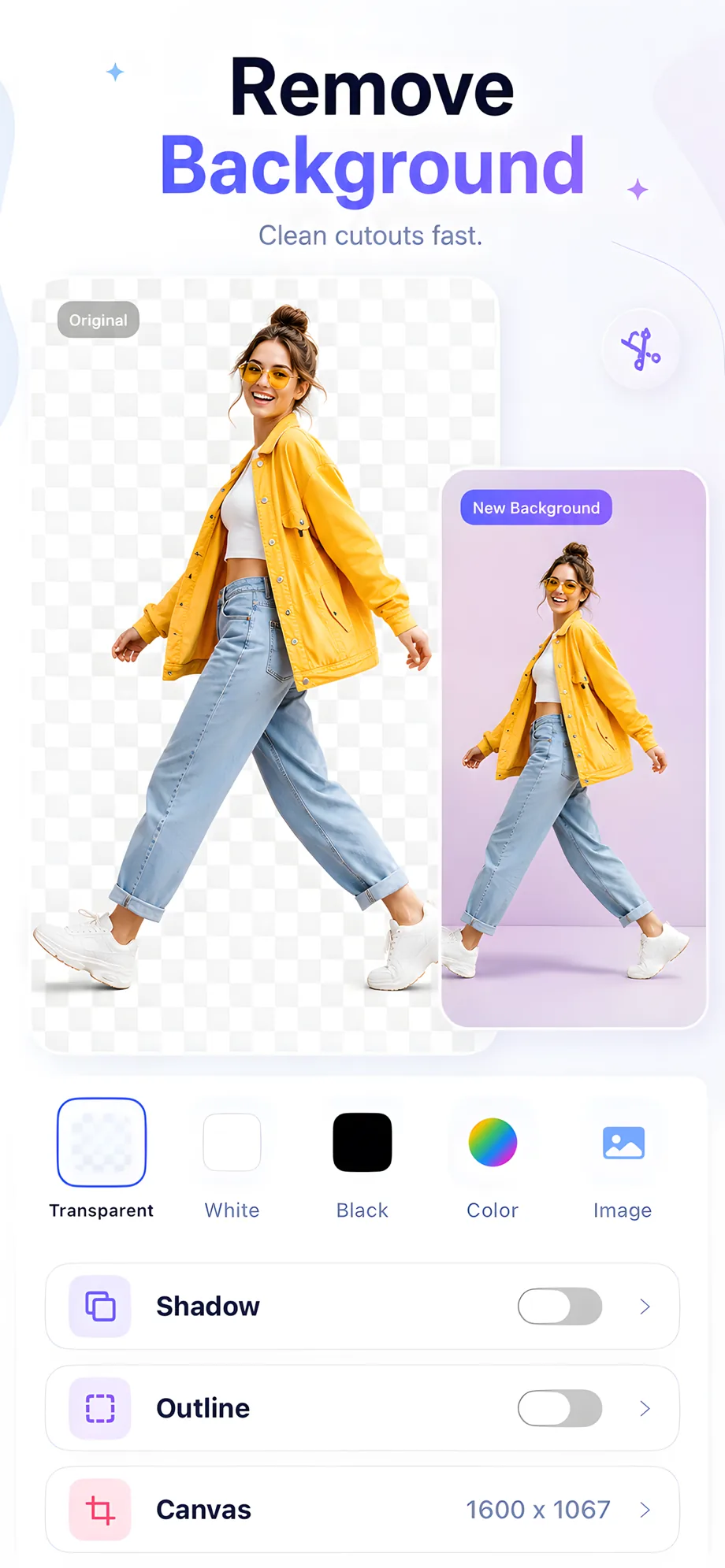
Perfect edge detection — even hair and fine details. Export with a transparent background or drop in any color, image, or scene.
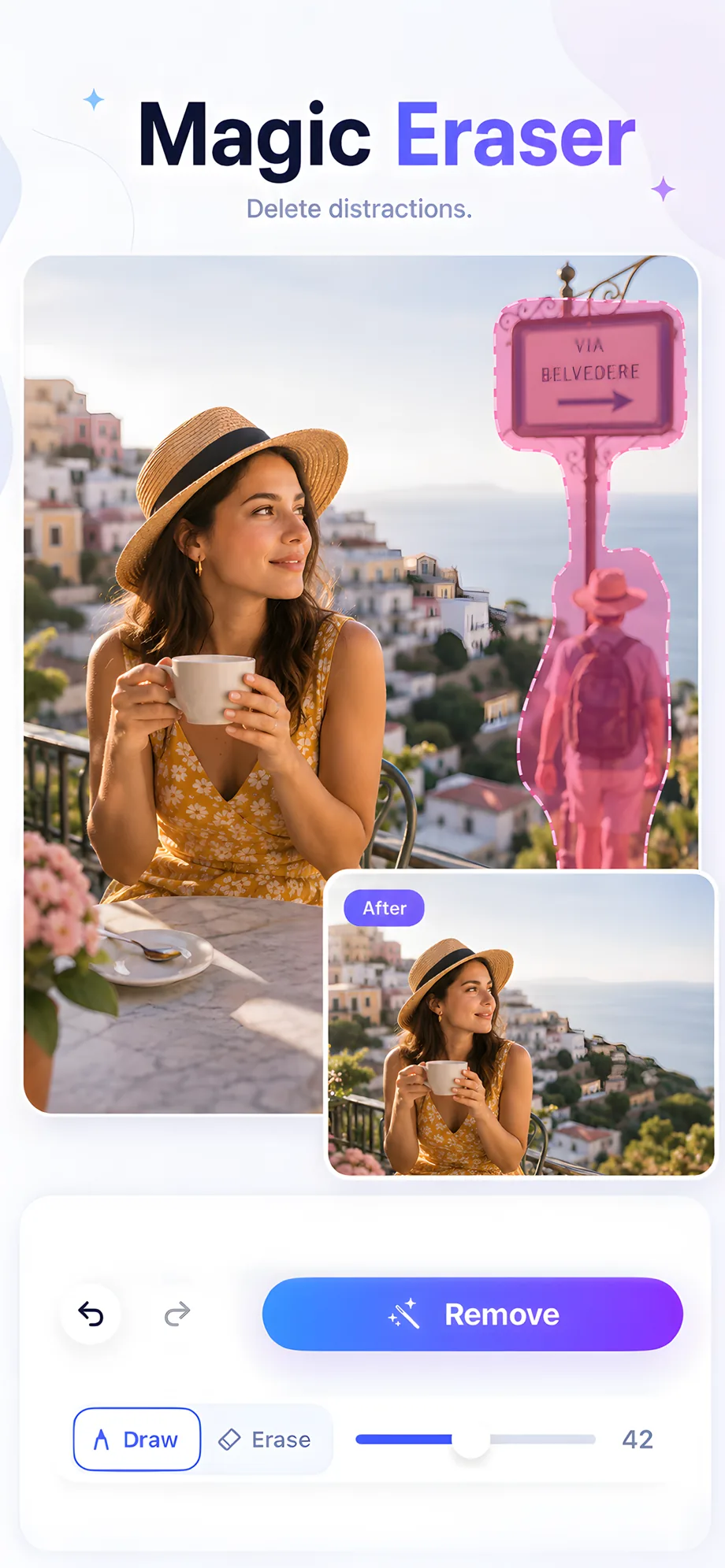
Photobombers, wires, signs, clutter — brush over them and they vanish. The AI fills the space so naturally you'd never know they were there.
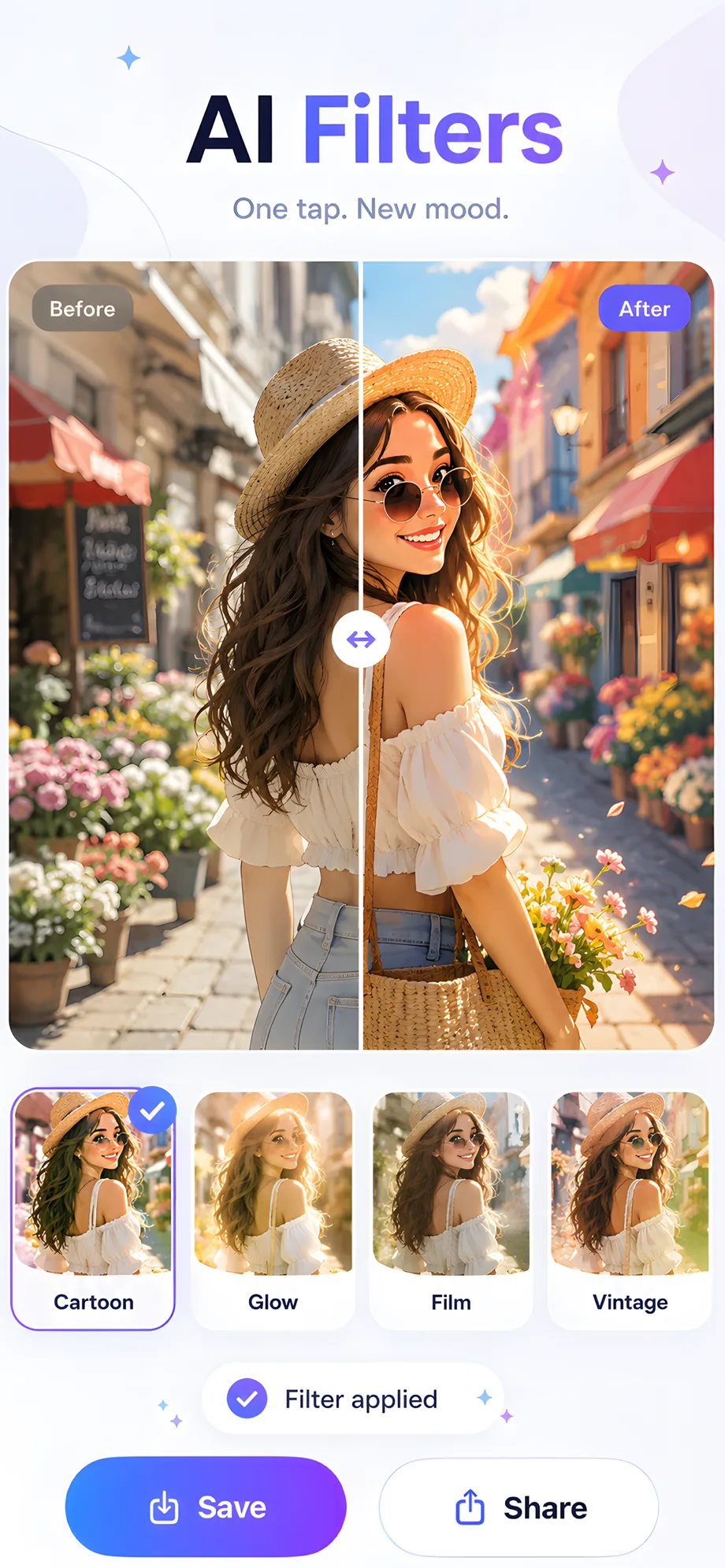
Turn portraits into cartoon art, add golden-hour glow, or give any shot a film-camera feel. Fresh creative styles to explore every day.
The AI analyzes light, color, and detail, then rebuilds your photo at its full potential. Blurry, dark, or flat shots come out vivid and sharp.
✦ Everything In One App
Seven pro-grade editing tools that feel like magic — no skills required.
Improve clarity, color, sharpness, and detail with one tap. Photos look vivid and polished instantly.
Cut out subjects automatically and swap in transparent, solid, or photo backgrounds in seconds.
Brush over people, objects, or clutter — the AI removes them and rebuilds the scene naturally.
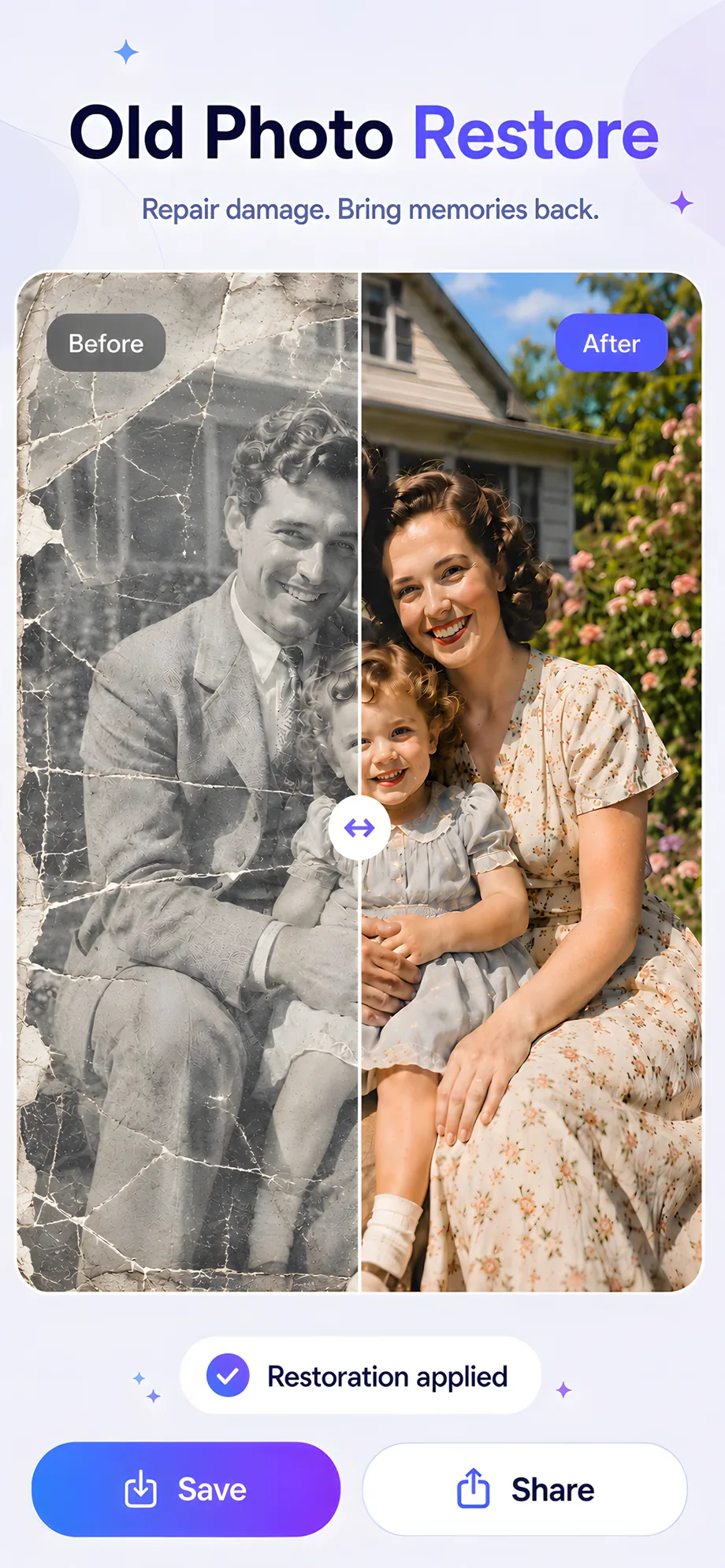
Repair scratches, revive faded colors, and bring damaged family memories back to life.
Boost resolution and sharpness so low-quality or zoomed-in photos look crisp and clear.
Explore trendy AI looks — portrait styles, anime-inspired art, film moods, and more.
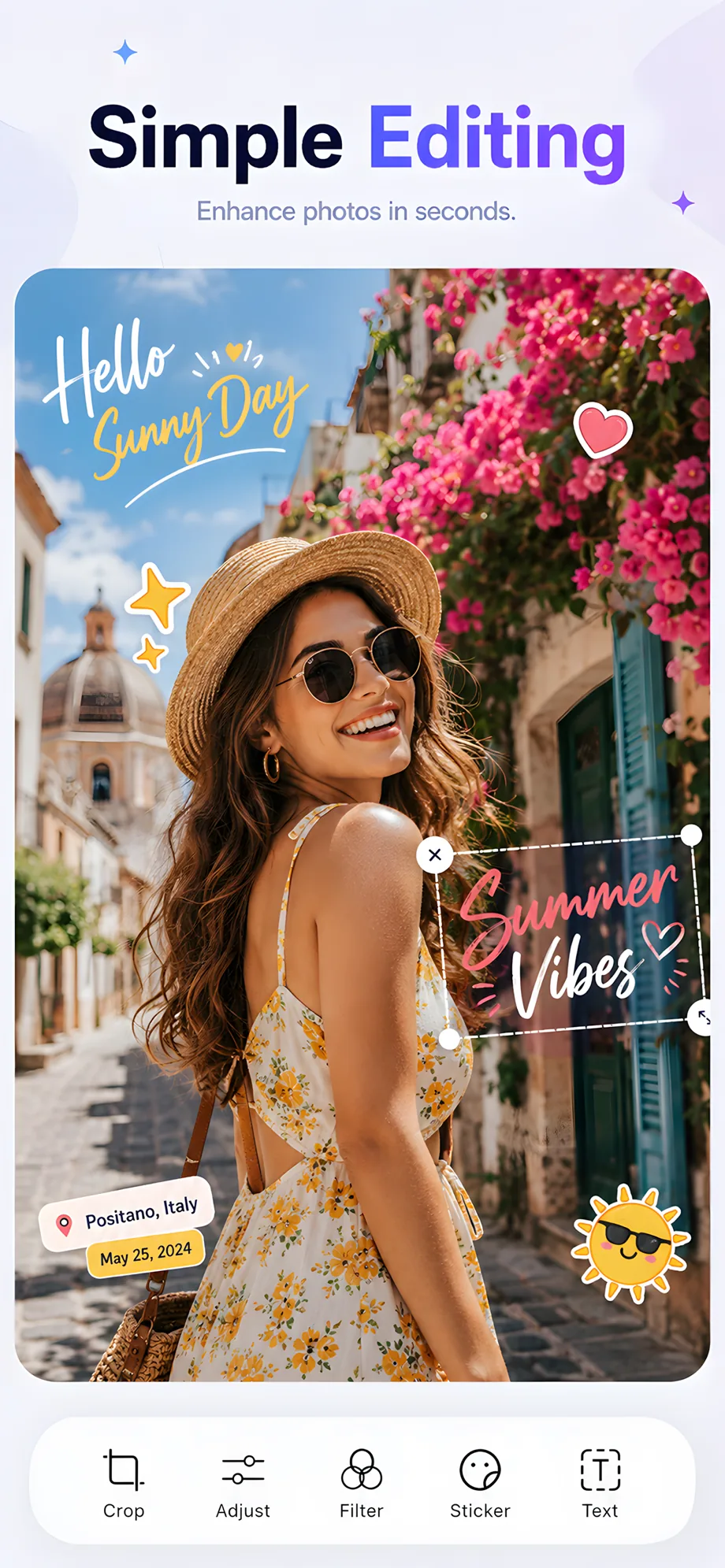
Plus a full editor with crop, adjustment, filters, stickers, and text — everything you need to finish the shot.
✦ A Closer Look
Swipe through the app — clean, bright, and focused on your photos.
✦ Three Steps
Choose any image from your library — old scans, screenshots, or fresh shots.
Enhance, restore, erase, upscale, or restyle. The AI does the heavy lifting.
Compare before and after, save in full quality, and share anywhere.
Join PixBoost today — your best photos are already in your camera roll.
Download on the App Store🔒 Cancel anytime. No commitment.